


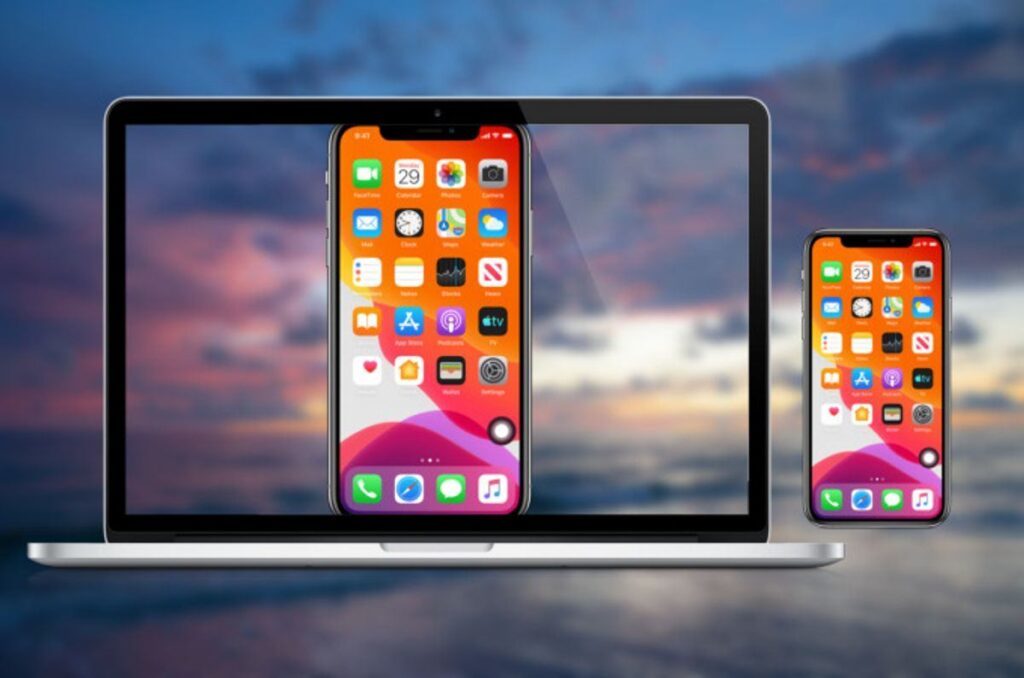
How To Use Apowermirror – ApowerMirror is a screen mirroring-specific software solution. You’ve probably heard of programs that allow you to view what’s going on your phone’s screen from your PC and vice versa.
That is exactly what this tool can achieve. You may also utilize it to effectively transfer information and control your gadgets. You could, for example, transform your mobile device into a power-point remote control.
Before you know how to use Apowermirror, you must know that there are some system requirements:
1) Windows 10, 8, 7 are the supported operating systems.
2) The mobile devices supported:
- Android brands supported include Samsung, HTC, LG, HUAWEI, Moto, Nexus, Xiaomi, OnePlus, Pixel, and more.
- Android 5.0 or above is required.
3) Android features include the ability to mirror the screen, operate the phone, capture screenshots, and record the screen.
- iPhone XS, XS Max, XR, X, 8/8 Plus, 7/7 Plus, 6s/6s Plus, 6/6 Plus, SE, 5s, 5c, 5
- iOS Versions: 13, 12, 11, 10, 9, 8
4) obtainable iOS features include the ability to mirror the screen, capture screenshots, and record the screen.
As you can see, there is a strong probability that ApowerMirror will work on your computer. However, if you don’t have a compatible mobile device to connect it to, this tool is essentially useless.
So, how to use Apowermirror?
ApowerMirror gives you two options for mirroring your screen. You might link your mobile device to your PC using either a USB connection or Wi-Fi. The latter necessitates connecting both devices to the same wireless network. In general, using a USB cord is less straightforward and provides faster speeds.
Keeping this in mind, launch ApowerMirror on both devices and tap the mirror button on your mobile device.
After you confirm certain software notifications, you’ll begin the mirroring procedure. You’ll be able to view the screen of the device you’re using as a source on the other device, depending on what you’re using as a source.
To summarize, you can either view what happens on your phone on your PC or vice versa.
Furthermore, ApowerMirror performs more than simply screen mirroring. You may also use it to remotely control your linked gadgets and transfer files. One fascinating feature is the ability to utilize your smartphone as a power-point remote control.
How To Use Apowermirror: Configuration options
These configuration options are very useful to know how to use Apowermirror, some of the app’s default settings can be changed.
How To Use Apowermirror – First and foremost, select the gear-shaped button on the side menu. Then, from the “Settings” page, navigate to the category you’re looking for. You can make changes to the general, display, and capture settings.
For example, you may configure ApowerMirror to run at startup, display a warning when you close its window, begin mirroring immediately when you connect a device, enable call/message notifications, change the resolution, select your preferred screenshot and video formats, specify the output directory, and enable hard coding utilization for improved speed.
Find More Technology Articles
How To Use Apowermirror: Is it free to use?
The good news about ApowerMirror is that it has a free version available. Technically, it's a demo because most of its features are disabled, but you can still use it. As a result, you may download and utilize it on your PC/mobile device before deciding whether to pay for further features.
How to Setup ApowerMirror for PC